
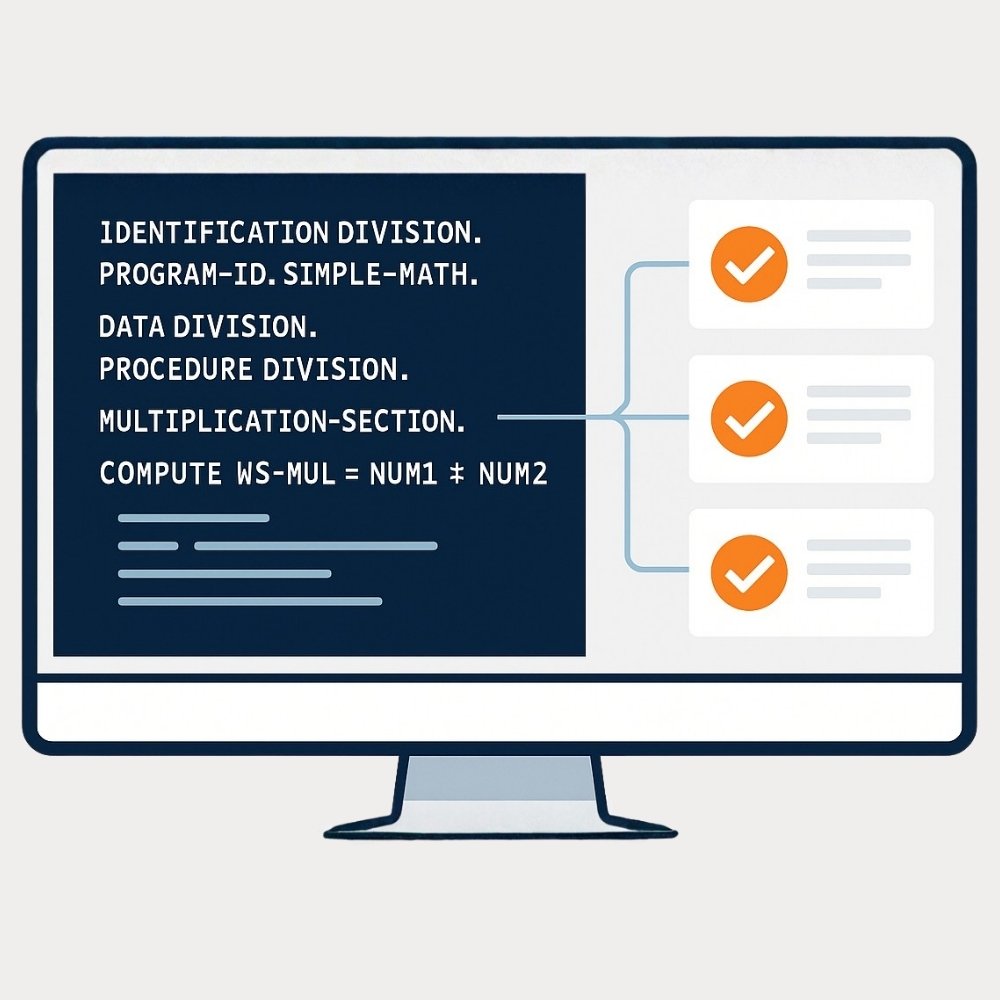
We developed a two-step process that combines large language models (LLMs), automated validation, and COBOL Check execution to create a closed-loop testing workflow:
-
-
Intelligent Test Generation and Validation
-
Test Execution with Cobol Check
-
Step 1: Intelligent Test Generation and Validation
We start by providing the large language model with the source COBOL program and, if available, supporting documentation. The model then generates COBOL Check compatible unit test files.
Command to Generate Test Cases:
How does Aider perform linting and Repo-Mapping?
-
- Aider uses Tree-sitter, a parser library which supports 100+ programming languages, to read and understand the structure of your code and perform linting and repo-mapping.
Steps to Integrate COBOL into Aider
-
- With the right Tree-sitter grammar for COBOL, Aider can parse COBOL files. This allows for automatic linting and repo-mapping, making it much easier to handle large COBOL codebases without overloading the llm.
Generating Tree-Sitter Grammar for COBOL
We identified a public GitHub repository (MIT license) that implements a COBOL grammar for Tree-sitter. To adapt it to our specific requirements, particularly constructing a repository map using a tags file to capture and organize code structure. We cloned the Tree-Sitter-Cobol repository and used the Tree-sitter CLI to generate a new parser along with Python bindings and created a custom tags.scm file to define our desired repository mapping.
Modifications after Cloning:
Grammar Customization (grammar.js)
-
- Exposed previously hidden nodes by replacing anonymous node types with named fields, enabling precise code mapping.
- Changed
program_namein theidentification_divisionto a named field (prg_name) and made it use the non-anonymousWORDtype.
// Before
    identification_division: $ => seq(
     $._IDENTIFICATION, $._DIVISION, '.',
     optional(
     seq($._PROGRAM_ID, '.',
     $.program_name,
     …
    ),
    program_name: $ => choice( $._WORD, $._LITERAL ),
// After
   identification_division: $ => seq(
   $._IDENTIFICATION, $._DIVISION, '.',
   optional(
   seq($._PROGRAM_ID, '.',
   field('prg_name', $.program_name),
   …
   ),
program_name: $ => choice( $.WORD, $.LITERAL ),-
- Updated
section_headerandparagraph_headerto use$.WORDinstead of the anonymous$._WORD, ensuring these nodes are visible to tags queries.
- Updated
// Before
    section_header: $ => seq(
      field('name', choice($._WORD, $.integer)),
      ...
    ),
    paragraph_header: $ => seq(
      field('name', choice($._WORD, $.integer)),
      '.'
    ),
// After
    section_header: $ => seq(
      field('name', choice($.WORD, $.integer)),
      ...
    ),
    paragraph_header: $ => seq(
      field('name', choice($.WORD, $.integer)),
      '.'
    ),
Generating the parser and python bindings
-
- To build Python bindings for the modified COBOL grammar, we first initialized the local Tree-sitter configuration to enable Python support, then regenerated the parser with ABI version 14 (since the official Tree-sitter project is still on version 14, not 15), built the language bindings, and finally installed the resulting Python package in the target environment where aider is installed.
cd <Cloning directory>
tree-sitter init-config          # Set up Tree-sitter CLI configuration for bindings
tree-sitter generate --abi 14   # Generate the parser using ABI version 14
tree-sitter build              # Build language bindings, including Python
pip install .                 # Install the Python package of the grammar
Creating a Custom Tags Query File (cobol-tags.scm)
-
- Created a
tags.scmfile aligned with the updated grammar, enabling extraction of key elements for repository mapping.
- Created a
(identification_division
  prg_name: (_) @name.definition.program) @definition.program

(file_description_entry
  (WORD) @name.definition.filename) @definition.filename

(
  section_header
    name: (_) @name.definition.section
) @definition.section

(
  paragraph_header
    name: (_) @name.definition.paragraph
) @definition.paragraph

(perform_procedure (_) @name.reference.paragraph) @reference.call
Integrating COBOL Tree-sitter Grammar into Aider:
1️⃣ Add the COBOL tags Query File
-
- Place your custom tags query file, named cobol-tags.scm, in:
.../lib/pythonx.x/site-packages/aider/queries/tree-sitter-language-pack/ - This allows Aider to recognize and map COBOL program structure during repository analysis.
- Place your custom tags query file, named cobol-tags.scm, in:
2️⃣ Register COBOL File Extensions in Grep-AST
-
- In your Aider environment, edit:
.../lib/pythonx.x/site-packages/grep-ast/parsers.py - Extend the PARSERS dictionary inside the USING_TSL_PACK block to associate COBOL file extensions with the
"cobol"language:
- In your Aider environment, edit:
# Before
if USING_TSL_PACK:
    # Replace the PARSERS dictionary with a comprehensive mapping based on the language pack
    PARSERS = { ....

        # C
        ".c": "c",
        ".h": "c",

   }

#After
if USING_TSL_PACK:
    # Replace the PARSERS dictionary with a comprehensive mapping based on the language pack
    PARSERS = { .....

        # C
        ".c": "c",
        ".h": "c",
        # Add COBOL file extension
        ".cob": "cobol",
        ".cbl": "cobol",
        ".cpy": "cobol",
        ".COB": "cobol",
        ".CBL": "cobol",
        ".CPY": "cobol",

   }
3️⃣ Register COBOL in Supported Languages and Python Binding Import
-
- The grep-ast module fetches the appropriate parser for each supported language using the tree-sitter-language-pack. To enable COBOL support, make the following changes, open:
lib/pythonx.x/site-packages/tree-sitter-language-pack/__init__.py - Add
"cobol"to theSupportedLanguageliteral - In the function that loads language bindings (get_binding), add explicit logic to import our custom COBOL parser:
- The grep-ast module fetches the appropriate parser for each supported language using the tree-sitter-language-pack. To enable COBOL support, make the following changes, open:
# In get binding function, we need to explicitly mention to import cobol when the language name is cobol
def get_binding(language_name: SupportedLanguage) -> object:

    if language_name == "cobol":
        import tree_sitter_tree_sitter_cobol     # Use your actual package name if different
        return tree_sitter_tree_sitter_cobol.language()
With these changes, Aider will be able to lint COBOL source files and accurately map their structure using our custom tags file.
Demo
Generating COBOL Code with Aider:
-
- We asked Aider to generate a COBOL program (demo.cbl) designed to read inputs, perform addition, and conditionally call multiplication or division procedures based on the result. Aider created the source file and committed the code, as shown in the output. The initial COBOL program followed standard structure, including the
IDENTIFICATION DIVISION,DATA DIVISION, and the required procedures.
- We asked Aider to generate a COBOL program (demo.cbl) designed to read inputs, perform addition, and conditionally call multiplication or division procedures based on the result. Aider created the source file and committed the code, as shown in the output. The initial COBOL program followed standard structure, including the

-
- To demonstrate Aider’s linting capabilities, we intentionally introduced a typo in
IDENTIFICATION DIVISIONand an indentation error in theDATA DIVISION. When linting was run, Aider first flagged the keyword typo; after correction, it then detected the indentation issue, showing that errors are caught and reported sequentially, with clear guidance for each fix.
- To demonstrate Aider’s linting capabilities, we intentionally introduced a typo in

-
- The structure of the COBOL program is mapped using the custom
cobol-tags.scmfile defined earlier. This mapping enables Aider to extract program entities, such as program names, sections, and procedures directly from the parse tree, allowing for efficient codebase navigation and analysis.
- The structure of the COBOL program is mapped using the custom

With these features in place, Aider not only automates COBOL code generation but also provides robust linting and precise repo mapping based on our custom grammar and tags configuration. This ensures reliable error detection and a clear understanding of code structure throughout the development workflow.
Transparency Note
This blog post was drafted with the support of generative AI to help structure and formulate the content. However, the technical background was thoroughly researched by our team beforehand, and we consider the topic highly relevant and worth sharing. The final content has been carefully reviewed and approved by us before publication.
[/vc_column_text][/vc_column][/vc_row]